Circuit Lab Simulator
Analog & digital circuit simulator for iPhone and iPad
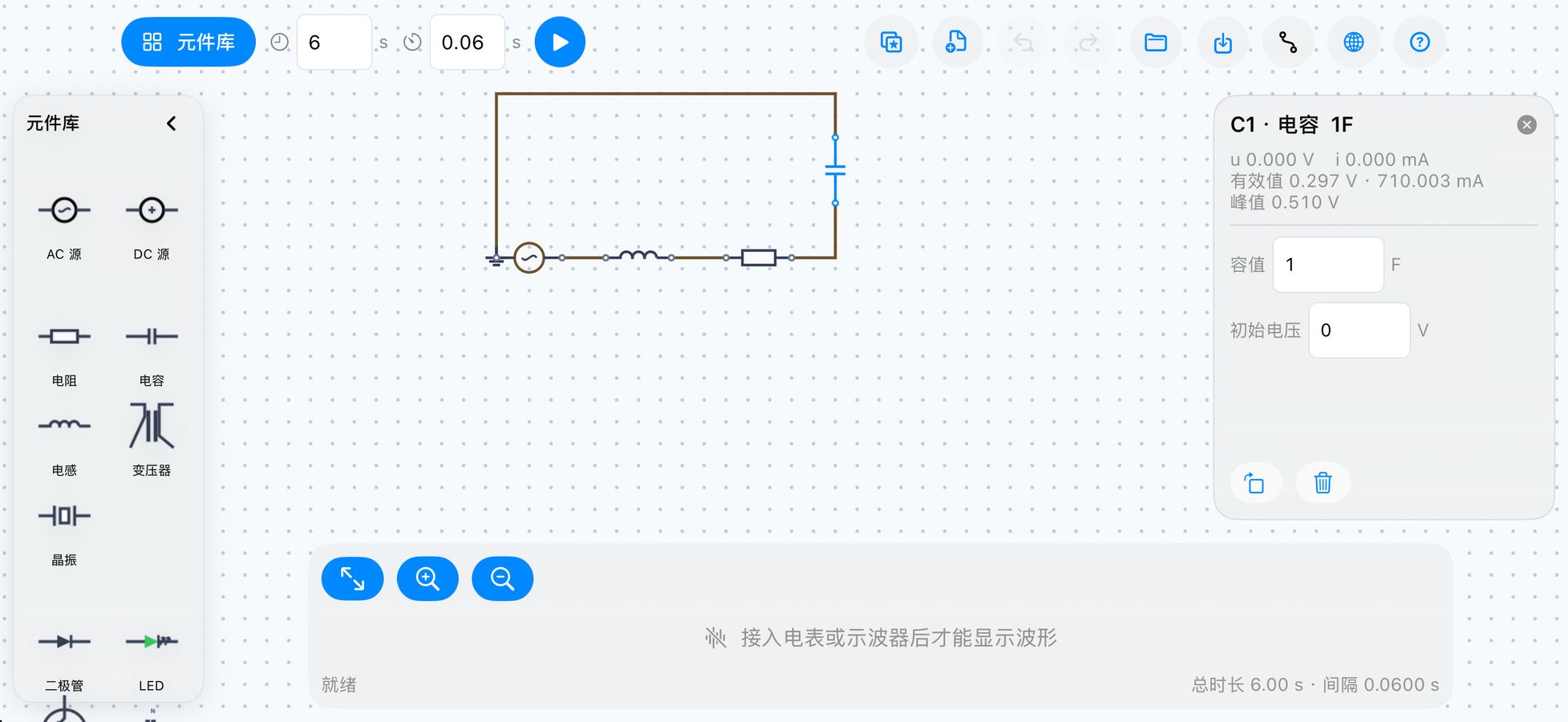
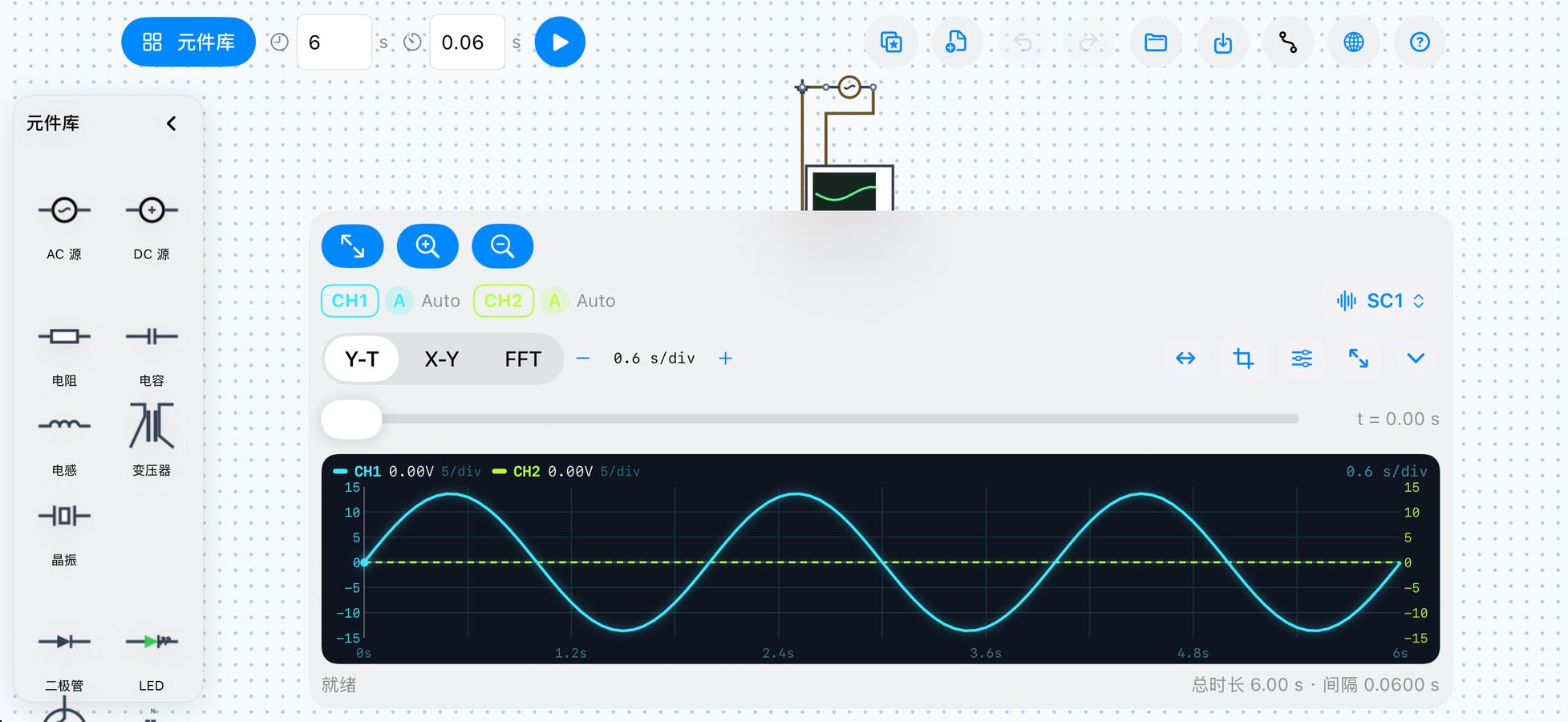
Circuit Lab Simulator turns an iPad or iPhone into a hands-on electronics lab. Drag components onto the canvas, wire their pins together, run a transient simulation, and read the result on the built-in dual-channel oscilloscope. It is designed for students checking a textbook circuit, hobbyists prototyping an idea, and anyone who wants to see how a circuit behaves before soldering it.
What you can do
- Place and wire real parts — resistors, capacitors, inductors, sources, switches, relays, transistors, MOSFETs, diodes, LEDs, transformers, crystals, logic gates and ICs, plus meters and probes.
- Run transient analysis — set simulation length and time step, choose trapezoidal or backward Euler integration.
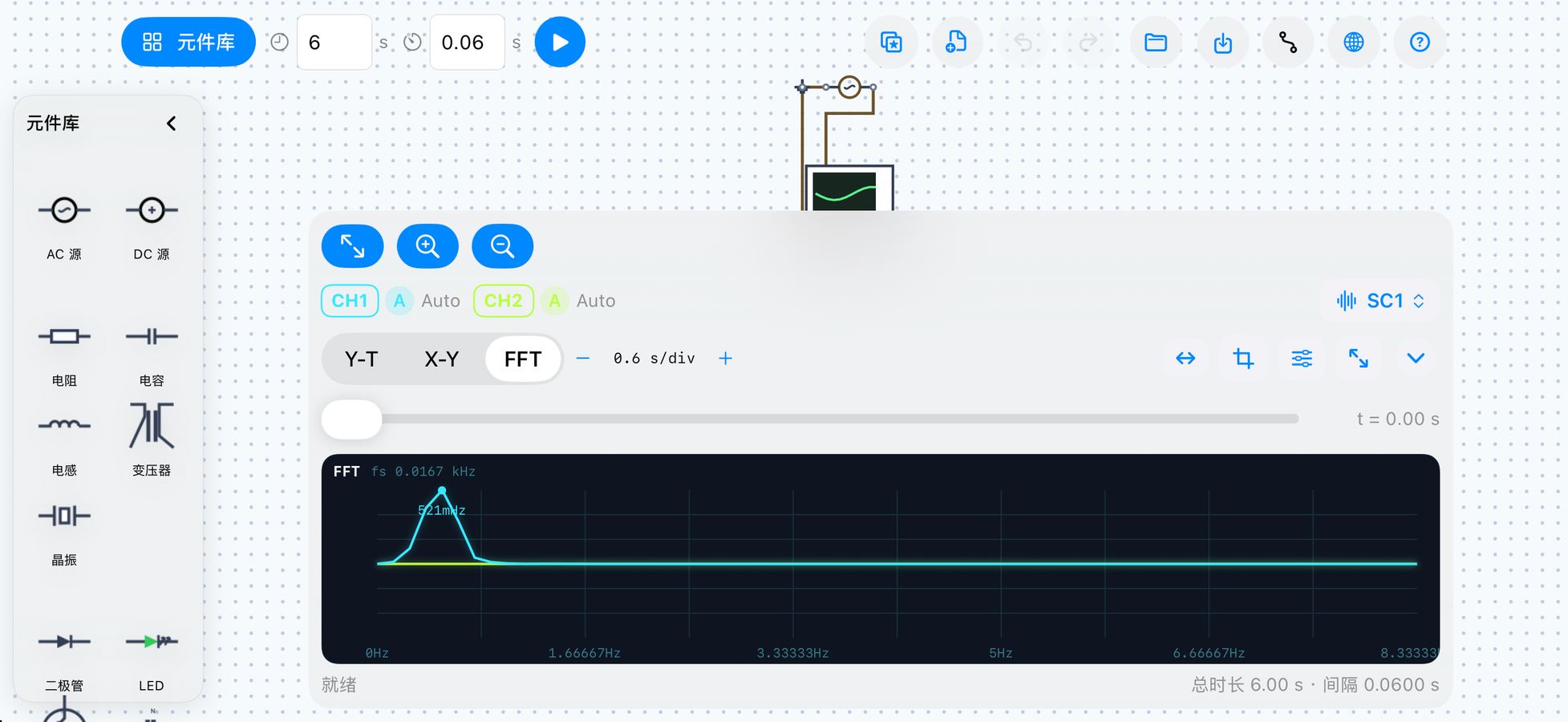
- Watch it on a scope — dual-channel oscilloscope with time/div, volts/div, probe ratio and cursors.
- Start from examples — built-in RLC, RC charging, rectifier, amplifier and logic circuits.
- Save your work — export a circuit as a JSON file and open it again later.
- Built for touch — pinch to zoom, double-tap to fit, bottom tool bar for parts, parameters, waveforms and simulation.
Screenshots
User manual
The full manual — quick start, canvas gestures, scope wiring, meters, sweep controls, STEADY analysis, FFT and file handling — is available in English, 中文, 日本語, 한국어 and हिन्दी.